All your clients, one schedule
Each client's properties and cleans together, booked once or set to repeat on the days you choose.
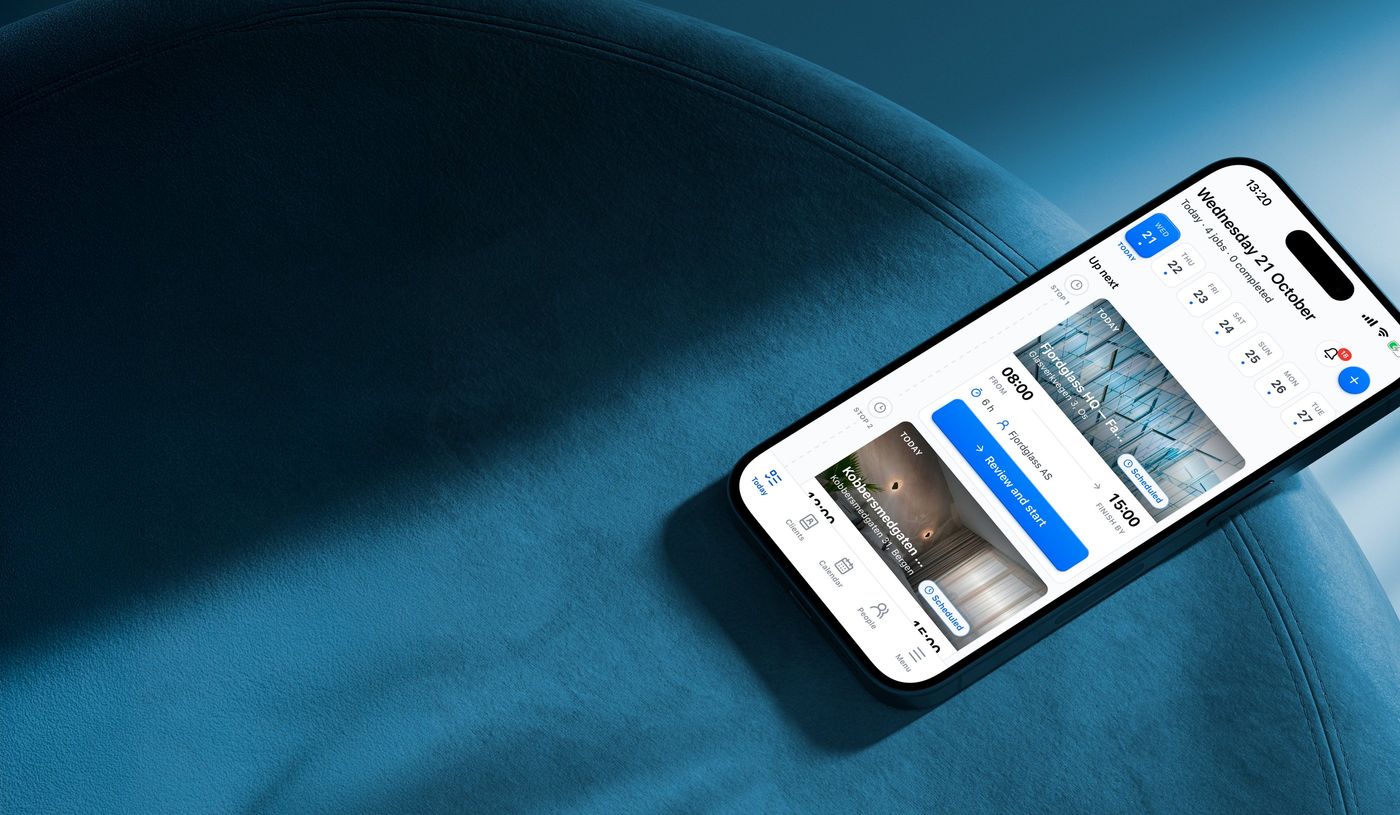


Each cleaner gets their day and briefs, and every clean ends in a report your client can open.From each cleaner's day to each client's report.
Benefits
Each client's properties and cleans together, booked once or set to repeat on the days you choose.
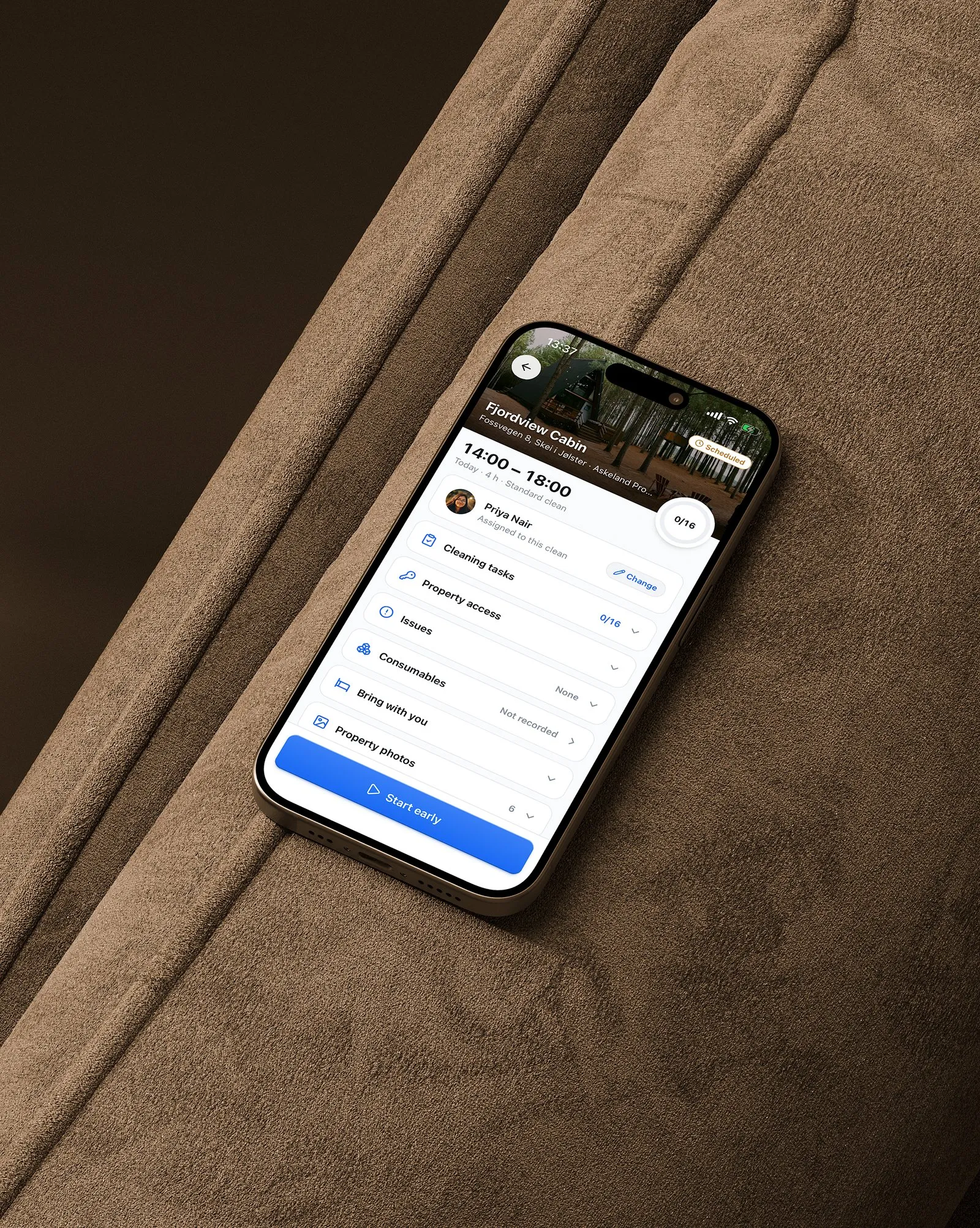
Access, codes, keys, rooms, products and linen, kept with each property, not in a group chat.
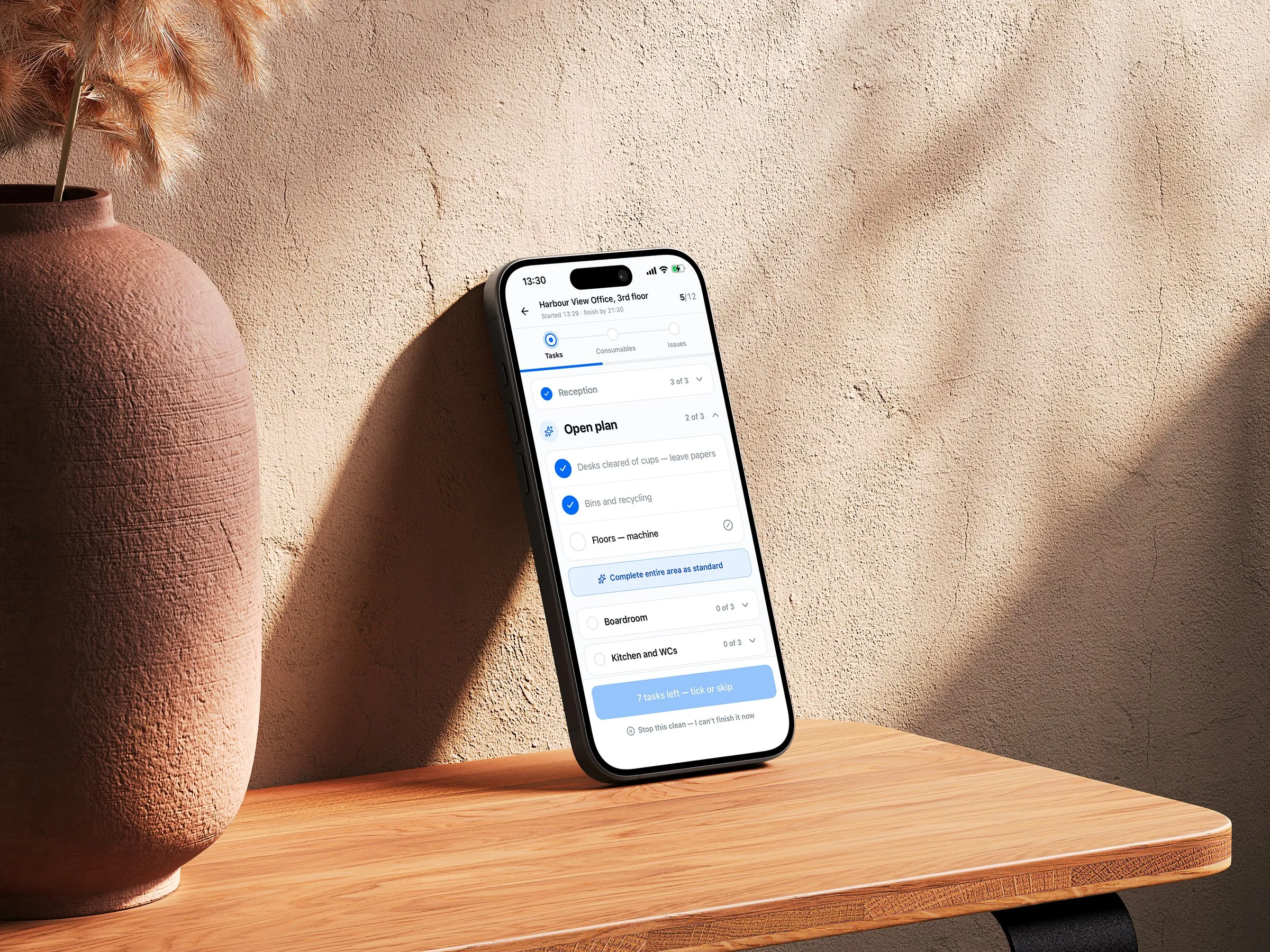
The same tasks, in the same order, for every cleaner you send to a property.

Start and finish recorded on every job, credited to each person on it, ready to export to CSV.
Who it's for
Allset isn't a marketplace, so your clients stay yours. They use it free, and you pay for the size of your team, never per property.
Everything Allset does
 The property briefOne shared schedulePhoto proof
 Ticked checklist
 Timestamped reportClient requests
 Hours recordedEach employee's day
 Consumables tracked
 Works on any phone…and more









Why Allset
Proof only exists if the work gets recorded, so Allset is built around the person doing it: their own day on their phone, ticked off as they work.
Each cleaner sees only the jobs you send them, and door codes only for the clean they are sent to.
Ticks and photos are saved on the phone first, so a stairwell with no signal loses nothing already done.

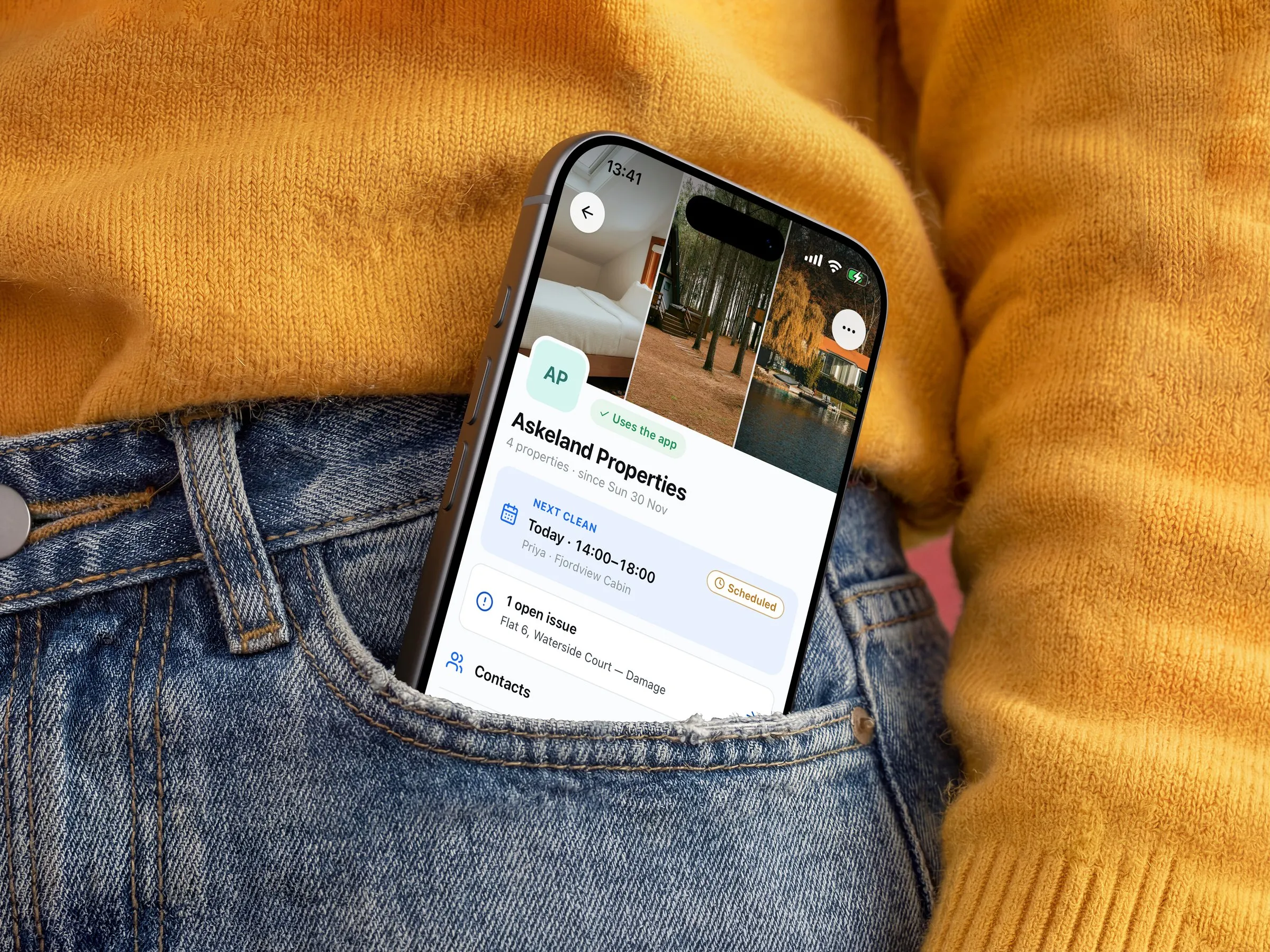
One page per owner or client: their properties, the next clean and who's doing it, anything that needs fixing, and who to call.

Clients request a clean and you confirm it. Move one a client agreed, and it waits for their yes; your cleaner sees it when they open Allset.
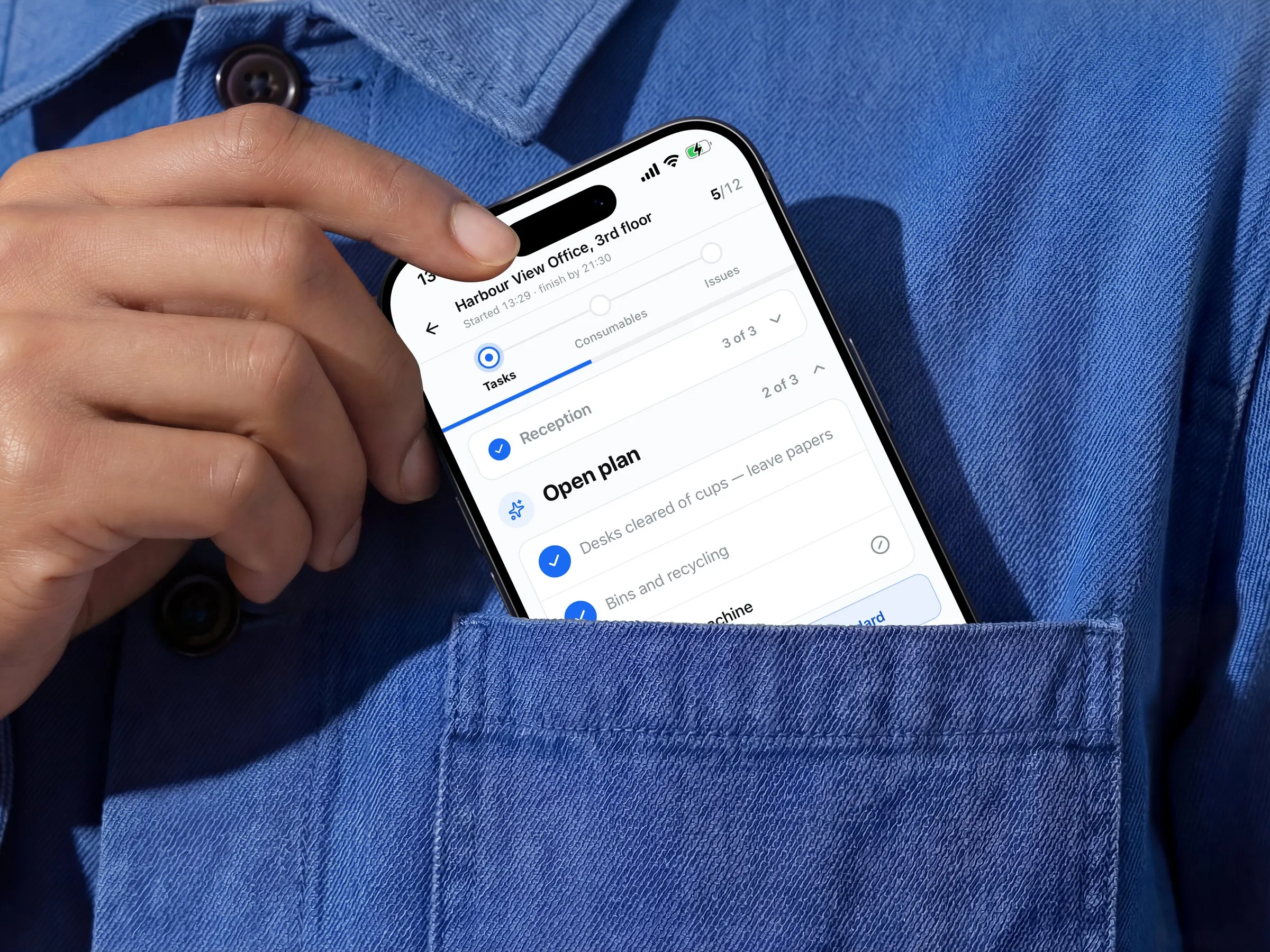
See when it started and when it'll finish. Tasks tick off room by room and issues show as they're logged; supplies used come in the report.

The ticked checklist, the times and the photos the brief asks for, ready for the client in their own account or as a link you send.

Available now
Add a client and their properties, write each brief once, and book the first clean. Free for one person and up to three properties, with no card, no time limit and every feature.
Questions first?support@itsallset.app